






Menu
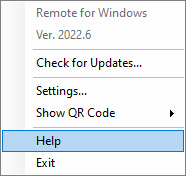
The app menu is available via the tray icon. You can also launch the app and select ‘Show’ from the dialog.
Settings
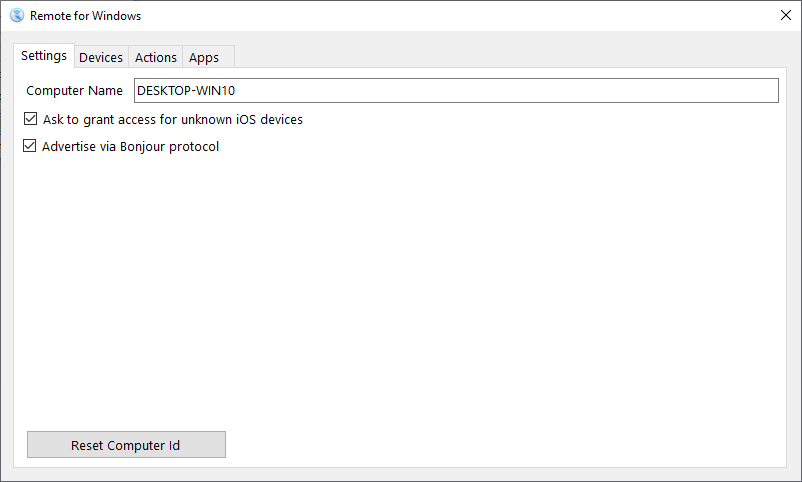
- Change the computer name used to show it in the app.
- Ask you to grant access every time unknown devices try to connect.
- Bonjour is an Apple protocol for automatic device discovery.
Devices
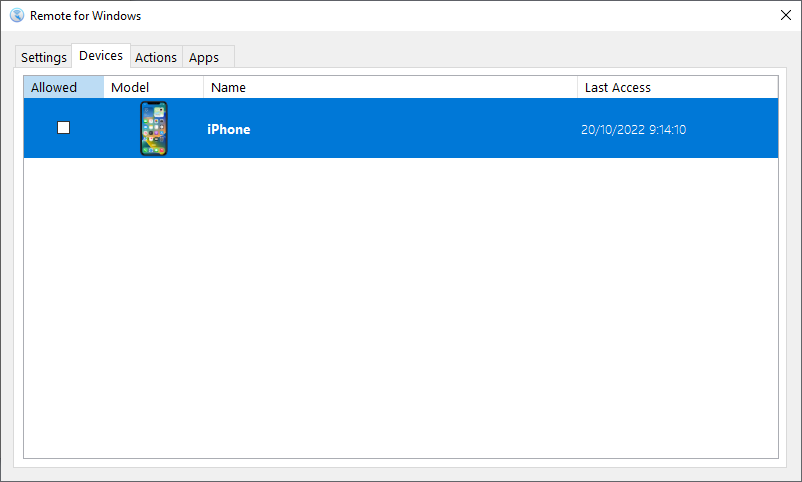
If you need to block or unblock a device from accessing your computer, you can change it here by locking or unlocking its access. You can also see the last time it connected to your computer, and remove older, no longer used devices.
Actions
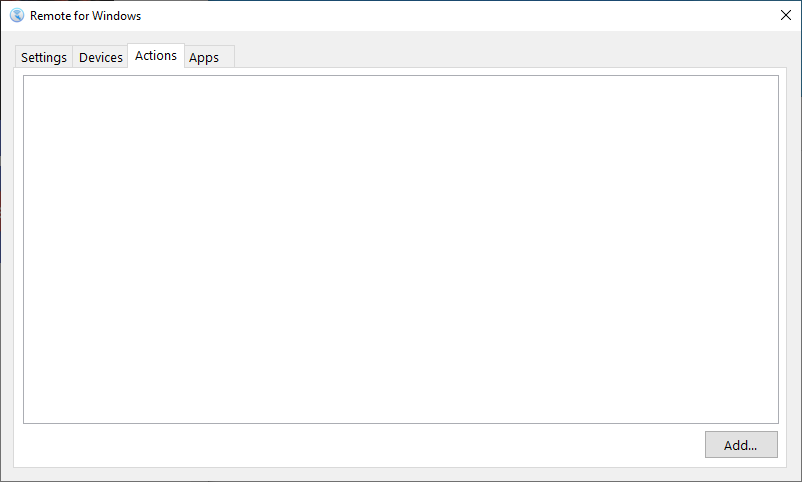
You can create custom actions using the PowerShell language and invoke them using the Remote Mouse & Keyboard app.
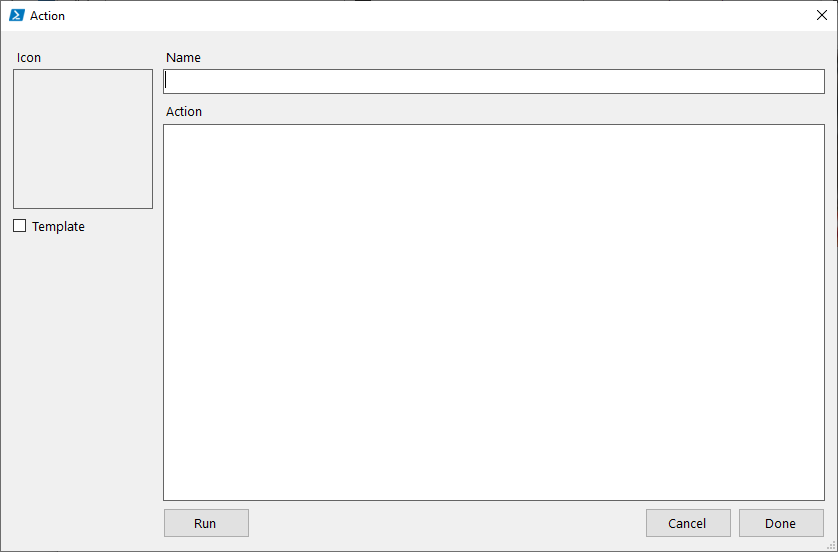
An action must have an icon (leave the Template box unchecked if you want it shown as original), a title, and a body written using PowerShell. It’s recommended that you run the action in the app to check that it’s working and grant the app the necessary permissions if required.
Apps
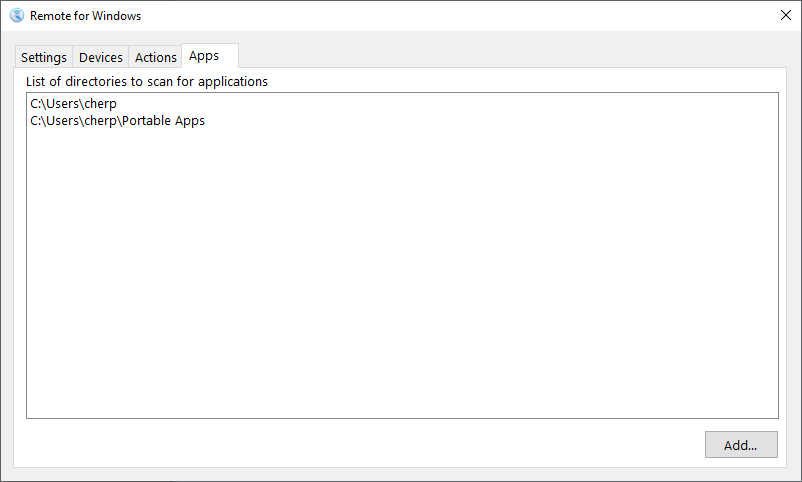
The app automatically scans default locations for apps on Windows, but if the app you are looking for is not listed, you can add its location here.